
Introduction
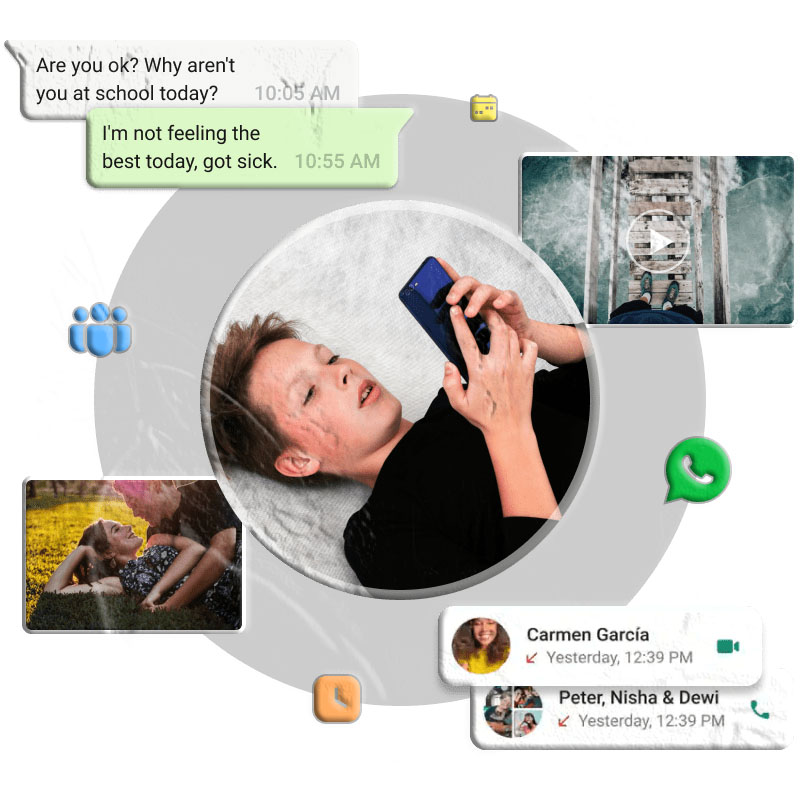
WhatsApp is one of the most widely used messaging apps in the world, with over 2 billion users. It’s trusted for everyday communication, but many people still wonder: Is WhatsApp safe for sending private photos?
The app uses end-to-end encryption, meaning only you and the recipient can view your messages. However, once a photo reaches the recipient’s device, its safety depends on how they handle it. In this article, we’ll explore WhatsApp’s security features, potential risks, and ways to better protect your private images.
How Safe is WhatsApp?
WhatsApp’s end-to-end encryption ensures that messages, photos, and videos are unreadable to anyone except the sender and recipient.
End-to-End Encryption Explained
- Messages are encrypted during transmission.
- Neither WhatsApp, Meta, nor hackers can intercept them.
- Only the intended recipient can view the content.
While encryption is strong, it doesn’t protect your photos once they’re stored on the recipient’s phone.
Is WhatsApp Safe for Sending Private Photos?
Yes, WhatsApp is generally safe thanks to encryption, but risks remain:
- Unlocked phones: If the recipient’s phone is left unattended, others can access your photos.
- Screenshots and forwarding: Recipients can save or share your photos without permission.
- Cloud backups: If automatic backups are enabled, your photos may be stored on third-party servers that aren’t fully encrypted.
Privacy Features to Protect Your Photos
1. Disappearing Messages
This feature automatically deletes chats after 24 hours, 7 days, or 90 days. Photos sent in these chats vanish after the set time.
How to enable:
- Open the chat → tap the contact’s name.
- Select Disappearing Messages → choose a time limit.
2. View Once Photos
WhatsApp allows you to send photos that disappear after being viewed once.
How to enable:
- Open a chat → tap the camera icon.
- Select a photo → tap the “1” icon next to the send button.
- Send the photo → it disappears after one view.
Note: Recipients can still take screenshots.
Additional Ways to Keep Your Privacy on WhatsApp
Enable Two-Factor Authentication (2FA)
Adds a PIN when registering WhatsApp on a new device, preventing unauthorized access.
Steps:
- Go to Settings → Account → Two-Step Verification → Turn On.
- Set a 6-digit PIN.
Restrict Profile Visibility
Limit who can see your profile photo, status, and last seen.
Steps:
- Go to Settings → Privacy.
- Adjust visibility for Profile Photo, Last Seen, About, and Status.
Stop Auto-Downloads
Prevent unwanted media from downloading automatically.
Steps:
- Go to Settings → Storage and Data → Media Auto-Download.
- Set Photos, Videos, Audio, and Documents to Never.
Check Login Activity
Monitor where your WhatsApp account is active.
Steps:
- Go to Settings → Linked Devices.
- Review active sessions → log out of suspicious devices.
Protecting Children on WhatsApp
Parents often worry about teens using WhatsApp to talk to strangers or share inappropriate content. While WhatsApp has privacy settings, parental control apps like FreeSpy Parental Control provide extra safety.
- Monitor WhatsApp messages for harmful keywords.
- Sync messages to check conversations.
- Set downtime schedules to limit usage.
Conclusion
WhatsApp is safe for sending private photos thanks to end-to-end encryption, but risks remain once images reach the recipient’s device. By using features like Disappearing Messages, View Once Photos, and enabling two-factor authentication, you can better protect your privacy. Parents can also use tools like FreeSpy Parental Control to safeguard children’s WhatsApp activity.
FAQs About WhatsApp Security
- How safe is WhatsApp from hackers? WhatsApp is secure due to encryption, but hackers can still exploit malware or open WhatsApp Web sessions.
- Is it safe to send sensitive documents like passports via WhatsApp? No. Even with encryption, sensitive documents should not be shared through messaging apps.
- What are the risks of using WhatsApp? Risks include metadata collection by Meta, scams, misinformation, and unauthorized access.
- Is it safe to share my WhatsApp number with strangers? No. Strangers can send spam, malware links, or misuse your number.