
Introduction
It’s a common scenario: you need to track an Android phone, but the only device you have on hand is an iPhone. Whether it’s to locate a lost phone, monitor your child’s safety, or keep track of a family member, many people assume that cross-platform tracking is complicated. In reality, there are several reliable ways to track an Android phone from an iPhone.
This guide explores the most effective methods, from parental control apps to Google’s built-in services, and even carrier-based solutions.

6 Ways to Track an Android Phone from an iPhone
1. FreeSpy Location Tracking
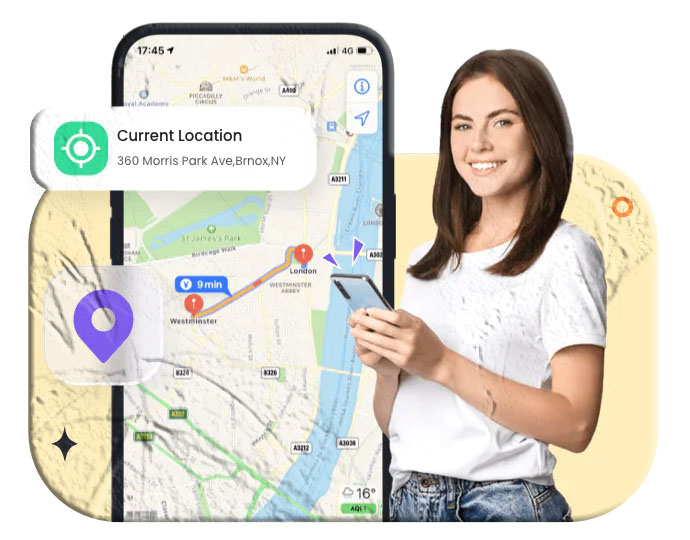
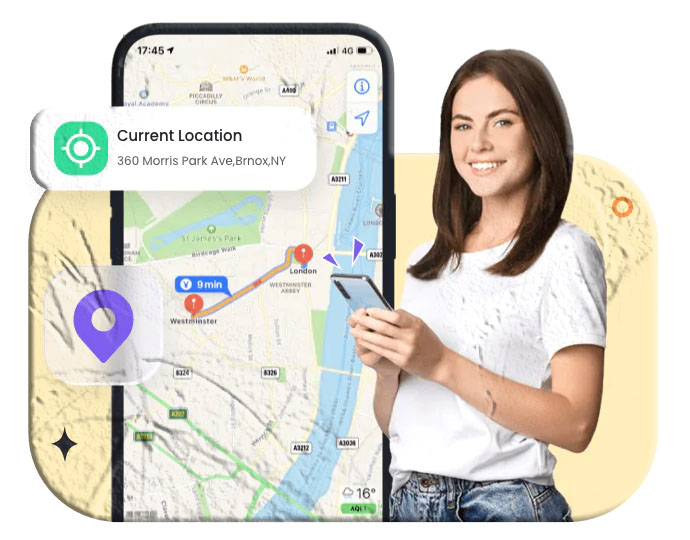
FreeSpy Parental Control is one of the most seamless ways to track Android devices from an iPhone.
Key Features
- Real-time GPS tracking.
- Geo-fencing with instant alerts.
- Remote monitoring of surroundings (audio/video).
- Sync notifications from apps like WhatsApp, Messenger, and Line.
- Screen time scheduling and app blocking.
Steps to Use FreeSpy
- Install FreeSpy Parental Control on your iPhone.
- Install FreeSpy Kids on the Android phone.
- Link both devices with the pairing code.
- Tap the Location icon on your iPhone to view the Android phone’s location.
2. Family Locator – GPS Tracker
Family Locator is a cross-platform GPS tracking app with built-in chat features.
Steps:
- Install Family Locator on both devices.
- Configure location sharing on the Android phone.
- Accept sharing permissions on your iPhone.
- View the Android phone’s location on the app’s map.
3. GPS Mobile Number Tracker
This web-based tool allows you to track an Android phone using its mobile number.
- Works via GPS, Wi-Fi, and cell tower triangulation.
- Requires country code and phone number.
- Displays approximate location on a map.
4. Google Location Sharing
Google Maps makes cross-platform location sharing simple.
Steps:
- Install Google Maps on your iPhone.
- Tap your blue location dot → Share your location.
- Choose duration or “Until you turn this off.”
- Send the location link to the Android phone.
5. Google Find My Device (Web)
Google’s Find My Device lets you track, lock, or erase an Android phone remotely.
Steps:
- Open android.com/find on Safari or another browser.
- Sign in with the Google account linked to the Android phone.
- View the phone’s location on the map.
- Options include Play Sound, Secure Device, or Erase Device.
6. Samsung Find My Mobile
For Samsung devices, Find My Mobile provides advanced tracking.
Features:
- Locate phone in real time.
- Remote backup and wipe.
- Works even without Wi-Fi or mobile data.
Steps:
- Go to Settings → Lock Screen & Security → Find My Mobile.
- Sign in with your Samsung account.
- Enable Remote Controls.
Preparing the Android Phone for Tracking
- FreeSpy/Family Locator: Install the companion app on the Android phone.
- Google Services: Ensure the Google account is active and location is enabled.
- GPS Mobile Number Tracker: Phone must be on with SIM inserted.
- Samsung Find My Mobile: Requires a Samsung account.
What to Do If Your Android Phone Is Lost
- Sign in at android.com/find.
- View location or last known position.
- Choose actions: Play Sound, Secure Device, or Erase Device.
For Samsung work devices, businesses can use MDM (Mobile Device Management) solutions like FreeSpy Business MDM to track, lock, or wipe devices remotely.
Conclusion
Tracking an Android phone from an iPhone is easier than most people think. From apps like FreeSpy and Family Locator to Google’s Find My Device and Samsung’s Find My Mobile, there are multiple free and reliable solutions. Whether you’re protecting your child, recovering a lost phone, or managing business devices, these tools provide peace of mind and security.
FAQs About Tracking an Android Phone
- Can I track an Android phone with an iPhone? Yes, using apps like FreeSpy, Family Locator, or Google services.
- Can I track a phone with just a number? Yes, with GPS Mobile Number Tracker or by contacting the carrier.
- Can I track a phone without location enabled? Some apps like FreeSpy can still track via background services.
- Can I track a Samsung phone without a SIM card? Yes, if it’s connected to Wi-Fi, GPS can still provide location.
- Can I secretly track my child’s phone? Yes, parental control apps like FreeSpy allow discreet monitoring.
- Can I track a phone that’s turned off? No, but you can see its last known location via Google Find My Device.
- How do I know if someone is tracking my phone? Signs include unusual apps, overheating, rapid battery drain, or strange SMS messages.