
Introduction
Losing a phone is stressful, and many people wonder if they can use the IMEI number to track it. Some online services even claim that tools like Google Earth can help locate a device using its IMEI. But is this really possible?
In this article, we’ll break down the truth about IMEI tracking, explain how Google Earth works, highlight its limitations, and explore legitimate alternatives for finding a lost phone.
Part 1: Can Google Earth Track an IMEI Number?
The short answer: No.
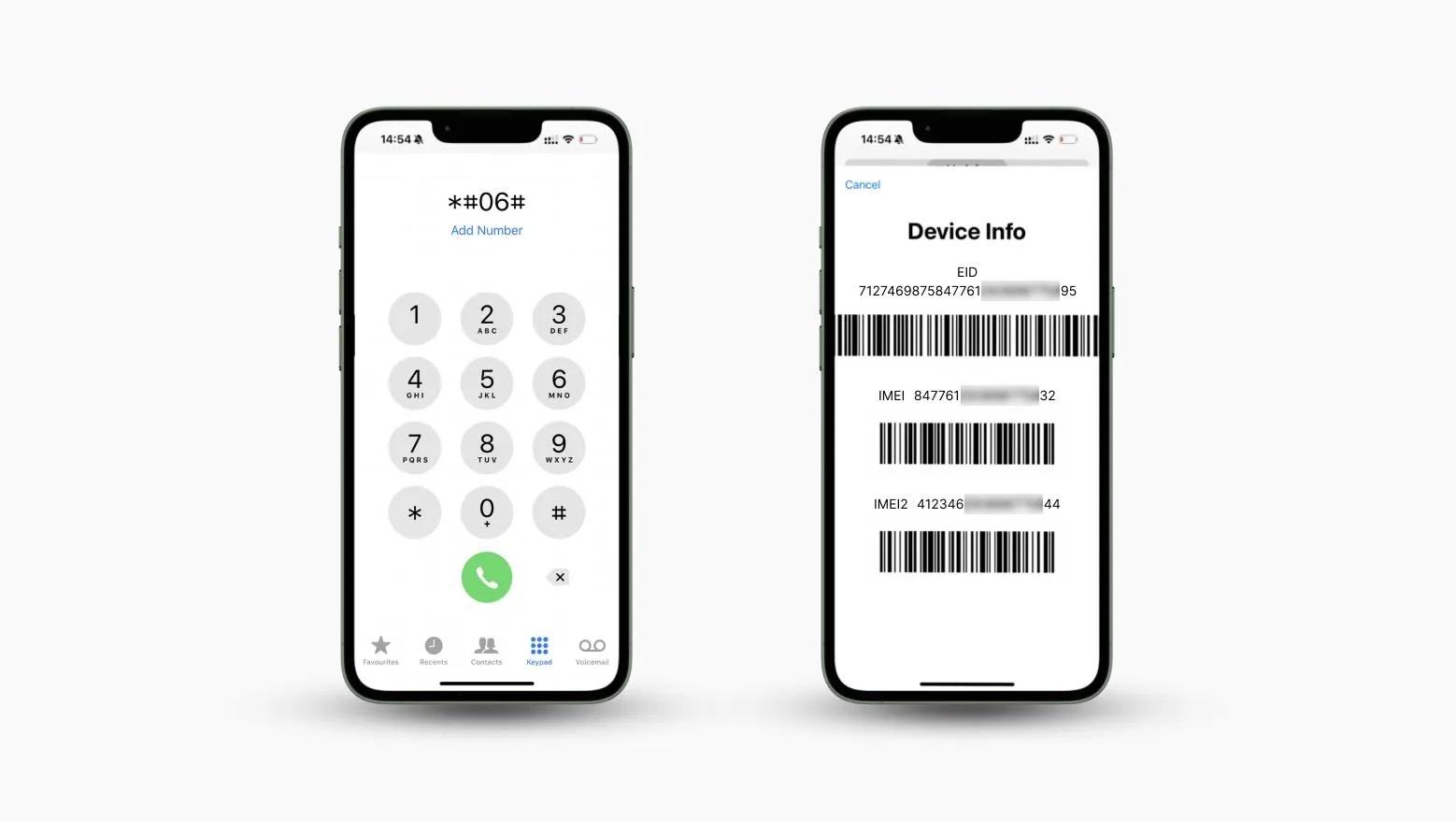
- The IMEI (International Mobile Equipment Identity) number is a unique identifier for your phone’s hardware.
- It does not contain location data and cannot be used directly to pinpoint a device’s position.
- Only mobile carriers and law enforcement agencies can use IMEI numbers for tracking, and even then, it requires legal authorization.
Google Earth, on the other hand, is a geospatial visualization tool. It provides satellite imagery and maps but does not have the capability to track devices via IMEI.
Beware of third‑party websites claiming to track IMEI numbers through Google Earth. Most are unreliable, unsafe, or even scams.
Part 2: How to Use Google Earth to Locate a Position
While Google Earth cannot track IMEI numbers, it can display a location if you already know the GPS coordinates.
Steps to view a location on Google Earth:
- Open Google Earth and click the Location icon.
- Your current location will appear on the map.
Steps to use coordinates:
- Enter the GPS coordinates in the search bar.
- The exact location will be displayed on the map.
This is useful if you’ve obtained coordinates from another tracking tool and want to visualize them in detail.
Part 3: Limitations of Google Earth for Tracking
- No IMEI tracking capability.
- No real‑time updates from mobile devices.
- Requires GPS coordinates to display a location.
- Lacks advanced features like geofencing, alerts, or history tracking.
In short, Google Earth is excellent for visualization, but not for real‑time phone tracking.
Part 4: Alternative Methods to Locate a Phone
Since Google Earth cannot track IMEI numbers, here are legitimate alternatives:
Google Find My Device (Android)
- Free tool for Android phones.
- Features: locate device, lock remotely, erase data, view location history.
- Limitations: requires location services enabled and internet connection.
Apple Find My (iPhone/iPad)
- Built‑in tool for Apple devices.
- Features: locate device even offline, lock remotely, erase data.
- Limitations: requires Apple ID login and location services enabled.
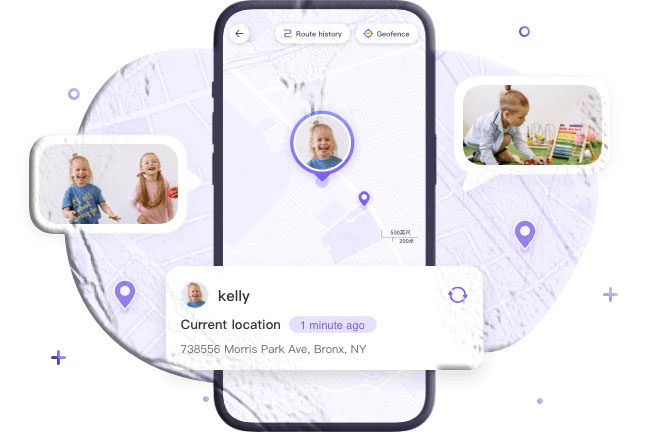
FreeSpy Family Tracker
- Designed for parental monitoring.
- Features: real‑time GPS tracking, location history, geofencing alerts.
- Limitations: requires account setup and permissions.
Part 5: Personal Insights & Tips
From experience, here are practical tips to improve your chances of recovering a lost phone:
- Enable location services ahead of time.
- Keep your device connected to the internet for easier tracking.
- Familiarize yourself with official tools like Find My Device or Find My iPhone.
- Avoid shady IMEI tracking websites—they often exploit user data.
Conclusion
So, can you track an IMEI number with Google Earth? No. Google Earth is a visualization tool, not a tracking system.
For real tracking, rely on official tools like Google Find My Device (Android) or Apple Find My (iOS). For parental monitoring, apps like FreeSpy Family Tracker provide additional features such as geofencing and history tracking.
Always remember: IMEI tracking is restricted to carriers and law enforcement. Use location tools responsibly and legally.
FAQs about IMEI Tracking & Google Earth
Q1: Can Google track my IMEI number? No. Google cannot track IMEI directly. It can only track devices if location services are enabled.
Q2: Can I track an IMEI number using online tools? Most online IMEI trackers are unreliable or unsafe. Stick to official tools.
Q3: Is it legal to track someone’s phone using IMEI? No, unless you are the owner or have consent. Unauthorized tracking is illegal.
Q4: Can IMEI numbers reveal internet usage? No. IMEI identifies hardware but does not track browsing activity.
Q5: Do police use IMEI tracking? Yes, law enforcement can track stolen phones using IMEI, but only with proper authorization.
Q6: Does a genuine IMEI tracker exist? Yes, but they are usually carrier‑based or require prior setup. Public access is limited.