
WhatsApp has become one of the world’s most widely used communication platforms, offering free messaging, voice calls, and video calls through an internet connection. With so much communication happening daily, it’s natural for users to want to review their call history — whether to confirm a missed call, track communication patterns, or restore deleted logs.
This guide walks you through everything you need to know about viewing WhatsApp call history responsibly. You’ll learn how to check your existing call logs, how to recover deleted call history, and how parents or guardians can monitor call activity with consent. The goal is to help you stay informed while respecting privacy and digital boundaries.
Part 1: How to View Your WhatsApp Call History
WhatsApp makes it simple to view your call history directly within the app. Whether you’re using an Android device or an iPhone, the process is nearly identical.
Steps to View WhatsApp Call History
- Open WhatsApp on your smartphone.
- Tap the Calls tab (located at the bottom on iPhone and at the top on Android).
- You’ll see a chronological list of your incoming, outgoing, and missed calls.
- Tap any entry to view details or return the call.
This built‑in feature is the easiest way to keep track of your communication. However, things get more complicated when call logs are deleted — intentionally or accidentally.
Part 2: How to Recover Deleted WhatsApp Call History
Many users wonder whether deleted WhatsApp call logs can be restored. The answer is yes — but only under certain conditions.
WhatsApp stores backups either locally (on Android) or in the cloud (Google Drive for Android, iCloud for iPhone). When a new backup is created, it typically overwrites the previous one, meaning recovery is only possible if the deleted call history existed in your most recent backup.
Before attempting recovery, keep this in mind:
- Do not create a new WhatsApp backup after the call history disappears.
- Recovery works only if the deleted logs were included in a previous backup.
- Restoring a backup replaces your current WhatsApp data with the older version.
Below are the most reliable recovery methods.
Method 1: Restore from Google Drive Backup (Android)
If your WhatsApp was set to back up to Google Drive, you may be able to restore deleted call logs.
Steps
- Uninstall WhatsApp from your Android device.
- Reinstall it from the Google Play Store.
- Open WhatsApp and verify your phone number.
- When prompted, tap Restore to retrieve data from Google Drive.
- Once the process completes, your call history (if included in the backup) will reappear.
This method is straightforward but depends entirely on whether your backup contained the missing logs.
Method 2: Restore from Local Database (Android)
Android devices automatically store local WhatsApp backups. These backups may contain older call logs not available in Google Drive.
Steps
- Open your phone’s File Manager.
- Navigate to: Internal Storage / WhatsApp / Databases (or SD card / WhatsApp / Databases if applicable).
- Locate the backup file you want to restore. It will look like:
msgstore-YYYY-MM-DD.1.db.crypt14 - Rename the file to:
msgstore.db.crypt14Do not change the crypt extension. - Uninstall WhatsApp.
- Reinstall WhatsApp and verify your number.
- When prompted, select Restore.
This method is helpful if you want to restore an older backup that Google Drive no longer stores.
Method 3: Restore from iCloud Backup (iPhone)
iPhone users can restore deleted WhatsApp call history through iCloud.
Steps
- Uninstall WhatsApp from your iPhone.
- Reinstall it from the App Store.
- Verify your phone number.
- When prompted, choose Restore from iCloud.
If your iCloud backup included the missing call logs, they will be restored.
Method 4: Restore from Full Phone Backup (Android & iPhone)
If none of the above methods work, you may still be able to recover call history by restoring a full device backup.
- Android users can restore from a Google One or OEM-specific backup.
- iPhone users can restore from an iTunes or Finder backup.
This method restores the entire device to a previous state, so use it only if necessary.
Part 3: How to View WhatsApp Call History for Parental Guidance or Device Management (With Consent)
There are situations where viewing someone else’s WhatsApp call history is appropriate — but only with clear consent and for legitimate purposes, such as:
- Ensuring a child’s online safety
- Managing company‑owned devices
- Supporting digital wellbeing in a supervised environment
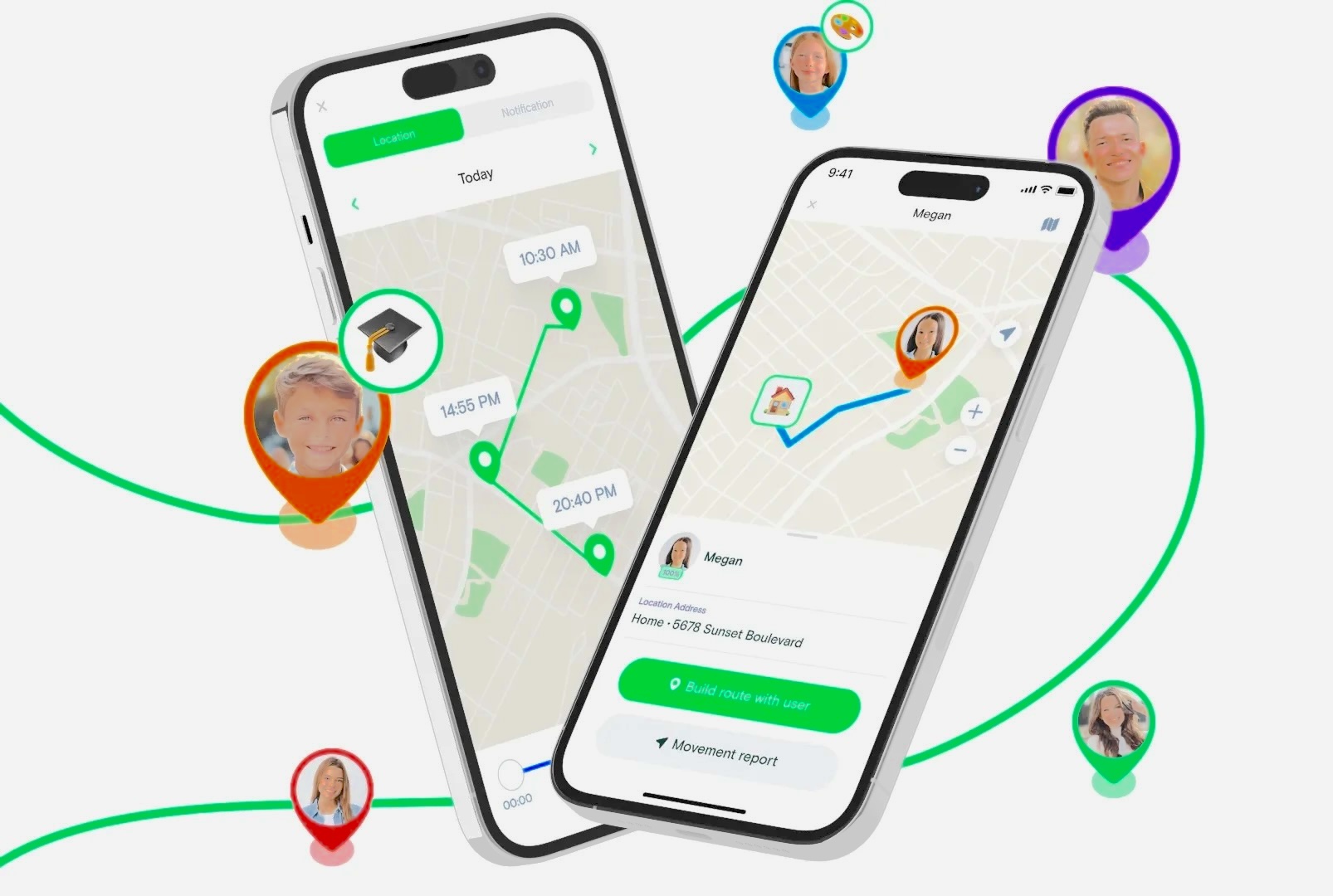
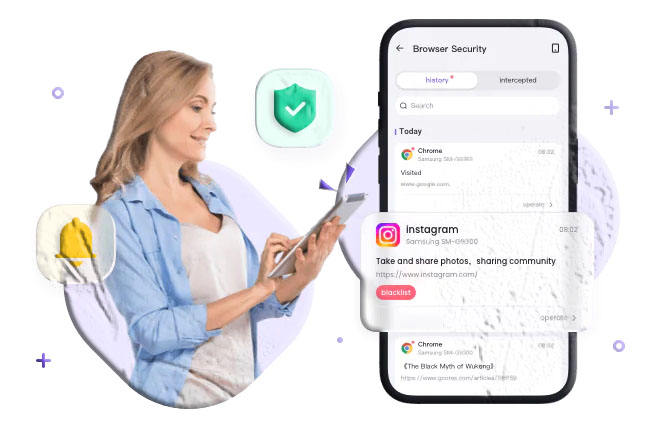
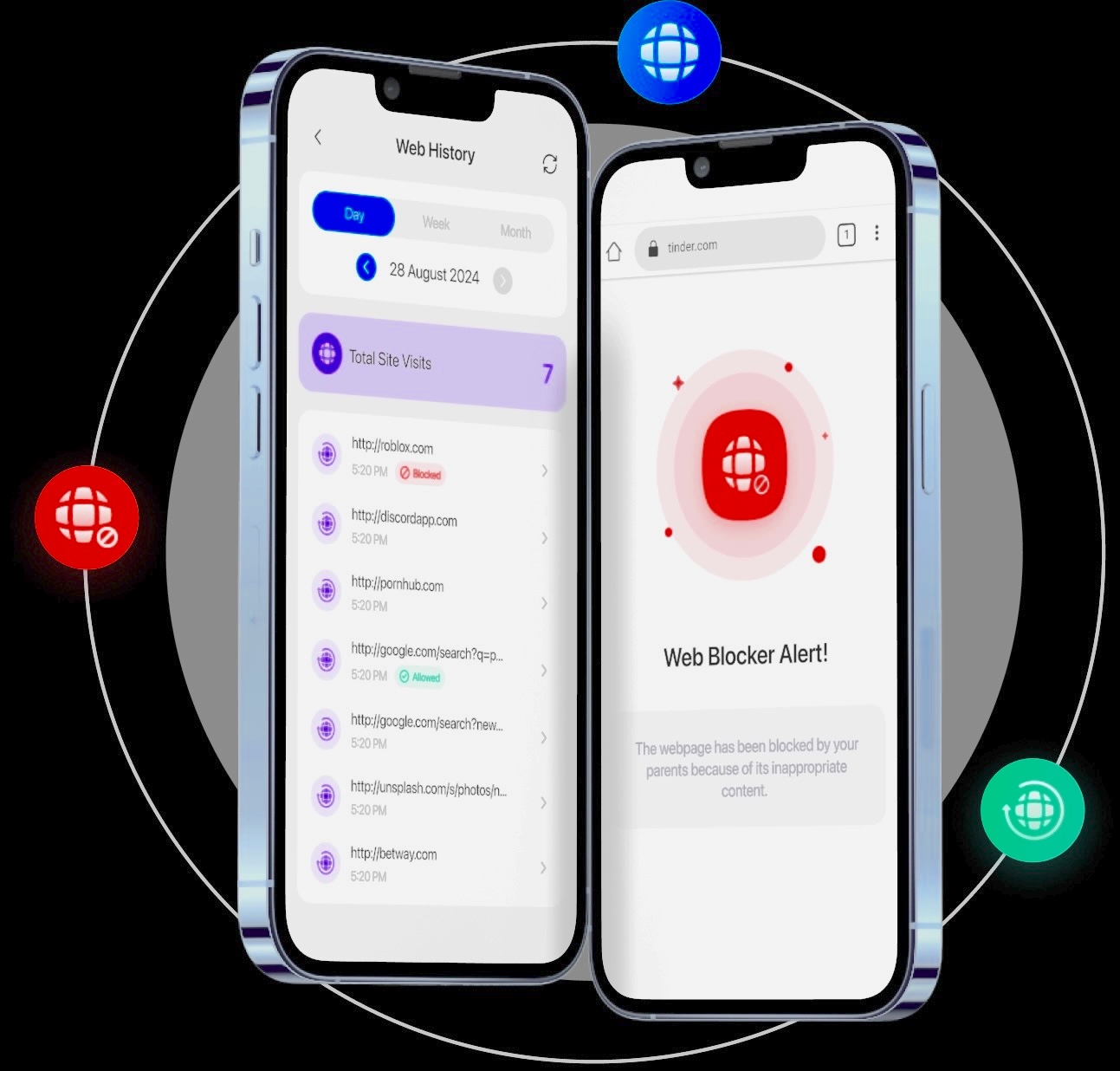
One tool often used in these scenarios is AirDroid Parental Control, which provides transparent and responsible monitoring features.
What AirDroid Can Do (With Consent)
- View WhatsApp call logs in real time
- Monitor other communication apps like Snapchat, Telegram, and Discord
- Sync device activity instantly
- Operate quietly in the background without disrupting the user
- Support parents and guardians in promoting safe digital habits
This type of monitoring should always be done ethically, with full transparency and respect for privacy.
FAQs About WhatsApp Call History
1. Can someone fake their WhatsApp call history?
It’s possible for someone to alter call logs on their own device using third‑party tools. However, these changes do not affect WhatsApp’s servers or the call history of the other person involved. If you suspect tampering, approach the situation calmly and responsibly.
2. Can I download my WhatsApp call history?
WhatsApp does not offer a built‑in feature to download call logs. Exporting a chat only includes:
- Text messages
- Photos
- Videos
- Voice messages
Call logs are not included. If you need to keep a record, you may take screenshots or manually note the details.
3. Do WhatsApp calls appear on phone bills?
No. WhatsApp calls use your internet connection, not your carrier’s voice network. This means:
- Calls do not appear as call entries on your bill
- Data usage may appear if you used mobile data
If you want to reduce data usage, consider using Wi‑Fi for calls.
4. Can I view WhatsApp call logs on WhatsApp Web?
WhatsApp Web does not support call logs. It is designed primarily for messaging. To view call history, you must use the WhatsApp mobile app.
Conclusion
Understanding how to view and manage WhatsApp call history helps you stay organized, protect your privacy, and maintain responsible digital habits. Whether you’re checking your own logs, recovering deleted call history, or supervising a child’s device with consent, the key is to act ethically and respectfully.
WhatsApp provides simple tools for viewing call logs, and backups can help restore deleted information when needed. For parents and guardians, responsible monitoring tools can support safer online experiences without compromising trust.
By staying informed and using these methods wisely, you can navigate WhatsApp communication with confidence and clarity.