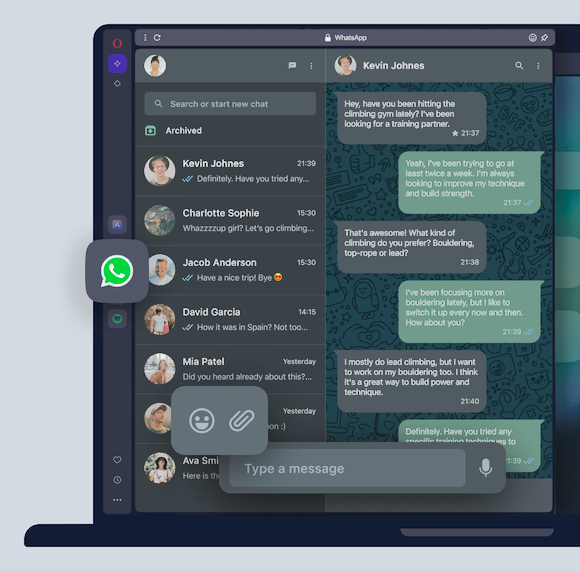

WhatsApp groups have become a central part of everyday communication — from family chats to school updates, work discussions, and community groups. Because of this, many users wonder how their name appears to others and whether they can control what name is shown.
This comprehensive guide explains how WhatsApp displays your name in group chats, how to change your profile name, how to rename a group, and how to protect your privacy — especially in public or large groups. You’ll also find helpful advice for parents who want to keep their children safe while using WhatsApp.

1. Can You Show Your Name in a WhatsApp Group?
Yes — but with limitations. WhatsApp does not allow users to set different names for different groups. Instead, your WhatsApp profile name is the only name that appears everywhere:
- In private chats
- In group chats
- In broadcast lists
- In your contacts’ WhatsApp directories
This means:
- You cannot create a unique nickname for one specific group.
- You cannot hide your name in a group while showing it elsewhere.
- You cannot choose a different display name for different audiences.
Your profile name is universal across the entire app.
What if you want a different name in one group?
The only workaround is to tell group members directly what you prefer to be called. WhatsApp does not offer a built‑in feature for group‑specific nicknames.
2. How to Change Your WhatsApp Profile Name
If you want to update how your name appears in groups, you’ll need to change your WhatsApp profile name. This is quick and easy, whether you’re using Android or iPhone.
Steps to Change Your Profile Name (Android & iOS)
- Open WhatsApp.
- Go to Settings.
- Tap your profile section at the top.
- Tap your current name to edit it.
- Enter your new name and save.
Once updated, your new profile name will appear to:
- All your contacts
- All group members
- Anyone who receives your messages
This change is instant and applies everywhere.
3. How to Change a WhatsApp Group Name
WhatsApp automatically suggests a group name when you create a new group, usually based on the names of the first few participants. While this is convenient, many users prefer to personalize their group name.
Important:
You can only rename a group if:
- You are the group admin, or
- The admin has allowed all members to edit group info.
If these permissions are restricted, you won’t be able to change the name.
How to Change a Group Name on Android
- Open the group chat.
- Tap the group name at the top.
- Tap the three dots in the top-right corner.
- Select Change Group Name.
- Enter the new name and tap OK.
How to Change a Group Name on iPhone
- Open the group chat.
- Tap the group name at the top.
- Tap Edit in the top-right corner.
- Type the new group name.
- Tap Done.
Once saved, the new name becomes visible to all members immediately.

4.Privacy Tips for WhatsApp Groups
Not all WhatsApp groups are the same. Some are private and secure, while others are open to anyone with an invite link. Understanding the difference helps you protect your personal information.
Public Groups
- Anyone with the link can join.
- Your profile name is visible to strangers.
- Your phone number may also be visible.
Private Groups
- Only admins can add members.
- More secure and controlled.
- Better for family, school, or work communication.
Smart Privacy Tips for WhatsApp Users
• Use a Simple or Neutral Profile Name
If you’re joining public groups, consider using a nickname or initials instead of your full name.
• Be Careful With Personal Information
Avoid sharing sensitive details in large or unfamiliar groups.
• Review Your Privacy Settings
WhatsApp allows you to control who can see your:
- Profile photo
- About info
- Last seen
- Status updates
Adjust these settings to limit visibility to trusted contacts only.
5.Bonus: Keeping Children Safe on WhatsApp
WhatsApp is widely used by teenagers and even younger children, which means parents need to stay aware of potential risks. Kids may accidentally share personal information or interact with strangers in group chats.
A parental control tool can help families create a safer digital environment. Features commonly found in parental control apps include:
• Screen Time & Downtime Controls
Limit how long children can use WhatsApp each day.
• Keyword Alerts
Parents can be notified if risky or inappropriate words appear in chats.
• Message Notifications
Receive alerts about incoming messages without reading the full conversation, helping maintain a balance between safety and privacy.
These tools help parents stay informed and protect their children from online risks while still allowing them to communicate with friends.
Conclusion
WhatsApp makes group communication simple, but understanding how your name appears in chats is essential for privacy and personal comfort. Your profile name is the only name visible in groups, and while you can change it anytime, you cannot set different names for different groups.
You now know how to:
- Change your WhatsApp profile name
- Rename a WhatsApp group
- Protect your privacy in public groups
- Keep children safer while using WhatsApp
With these tips, you can enjoy group chats with confidence and stay in control of your personal information.